20 Meta Ads MCP prompts for media buyers (Google too)
By Matheus Mello, founder of Ads Editor and owner of YEP Agência · Published · 5 min read
Meta Ads MCP prompts work best when they name the account, the date range, the action and the point where the assistant should stop and wait for you. Below are 20 ready-to-use requests, grouped by task, that read and change Meta Ads and Google Ads accounts through the Ads Editor MCP.
Connect my AIQuick answer
A good MCP prompt names the account, the date range and the action, and asks for confirmation before writing. The 20 below cover cross-account copies, creative uploads, bulk edits, audiences, lead forms, Google Ads, rules and balances. Replace the brackets and use them in Claude, ChatGPT or Grok.
Summary
- A good prompt has five parts: account, date range, action, threshold and a request for confirmation.
- The 20 prompts are grouped into six tasks and marked as read or action.
- The action prompts use features that go beyond pausing and budgets: cross-account copies, Drive uploads, bulk edits and bulk audiences.
- They work in Claude, ChatGPT, Grok and other MCP clients connected to Ads Editor.
In this article · 8 sections
How do you write an MCP prompt the assistant gets right?
- Account: name it. With similar account names, ask for the list first.
- Date range: "last 7 days", "this month". Without one, the assistant picks for you.
- Action: one clear verb: copy, upload, turn off, create, add as negative.
- Threshold: the number that decides, such as "spent more than $50 with no contact".
- Confirmation: end with "show me what will change and wait for my confirmation".
You do not need to know tool names: the assistant picks the right one from your request. If it says it cannot do something on this list, open a new conversation, because new tools only show up in a new one.
Prompts to copy campaigns between accounts
| # | Prompt | Type |
|---|---|---|
| 1 | Copy the [name] campaign from account [A] to accounts [B] and [C], swapping Page, Instagram account, pixel and WhatsApp number for each account's. All paused; show me the plan first. | Action |
| 2 | Make a paused copy of the WhatsApp campaign [name] with a website sales objective so I can test it. | Action |
| 3 | Duplicate the [name] ad set with a frequency cap of 3 times every 7 days. | Action |
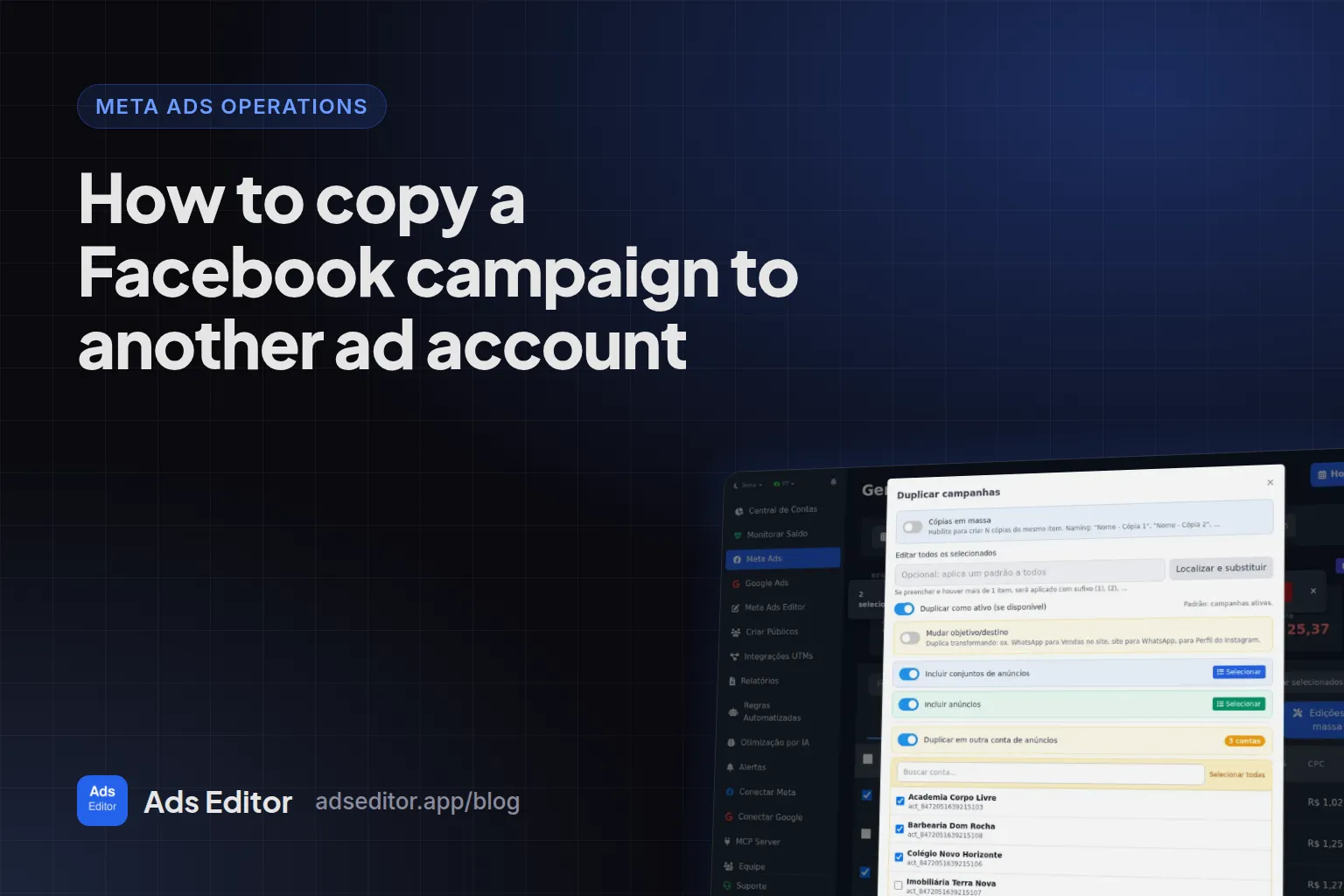
The manual route is in copying a Facebook campaign to another ad account.
Prompts to launch creatives
| # | Prompt | Type |
|---|---|---|
| 4 | Upload the videos in this Drive folder [link] to the ad sets of the [name] campaign, one ad per file, with the ad set's copy and UTMs, paused. | Action |
| 5 | Create an ad from this Instagram reel [link] in the [name] ad set. | Action |
| 6 | Schedule the new [name] ad to start on [date] at [time]. | Action |
The Drive folder must be shared as "anyone with the link", with up to 25 media files. Videos never go pasted into the chat: send the link.
Prompts for bulk edits
| # | Prompt | Type |
|---|---|---|
| 7 | Turn off Advantage+ creative enhancements on every active ad in account [name]. | Action |
| 8 | Which active ad sets in accounts [A] and [B] have Advantage+ audience on? Turn it off on the ones I approve. | Read and action |
| 9 | Add [city], 20 km radius, to every active ad set in account [name]. Show me what changes before applying. | Action |
| 10 | Change the link on every ad in the [name] campaign to [url]. | Action |
More on bulk changes in bulk editing Meta ads and turning off Advantage+ creative enhancements.
Prompts for audiences and lead forms
| # | Prompt | Type |
|---|---|---|
| 11 | Suggest audiences for account [name] and create only the remarketing ones. | Action |
| 12 | Create an audience in account [name] from the customer list in this Drive link [link], labeled [label]. | Action |
| 13 | Which ads use the [name] form? Duplicate that form and apply the copy to the [name] ad. | Read and action |
Prompts for Google Ads
| # | Prompt | Type |
|---|---|---|
| 14 | Copy the Google campaign [name] to the [destination] account, paused. | Action |
| 15 | Show search terms from the last 30 days that spent without converting in the [name] campaign. Add the ones I approve as phrase match negatives. | Read and action |
| 16 | Add these 5 headlines to the asset group of the [name] Performance Max campaign: [headlines]. | Action |
| 17 | What hours does the [name] campaign convert best? Run it only during those hours. | Read and action |
Everything the MCP does in Google Ads: running Google Ads from ChatGPT and Claude.
Prompts for rules, balances and diagnosis
| # | Prompt | Type |
|---|---|---|
| 18 | Create a rule that pauses any ad set that spends $[amount] with no new messaging contact. | Action |
| 19 | Which Meta and Google accounts have less than 3 days of balance left? | Read |
| 20 | Run a diagnosis of account [name] and tell me what to do, with the number behind each action. | Read |
The diagnosis uses AI credits
AI analyses (account diagnosis and creative analysis) use AI credits each time they run; opening an analysis that is already done does not.
What happens when a prompt asks for an action?
- Campaigns, ad sets and copies start paused; media and catalog ads can start active if you ask.
- Changing placements, turning on Advantage+ audience and switching between CBO and ABO ask for confirmation.
- A daily budget more than six times the current one, and above 1,000 in the account currency, needs an extra confirmation: the server returns a code tied to the operation, and the assistant resends it only after you confirm.
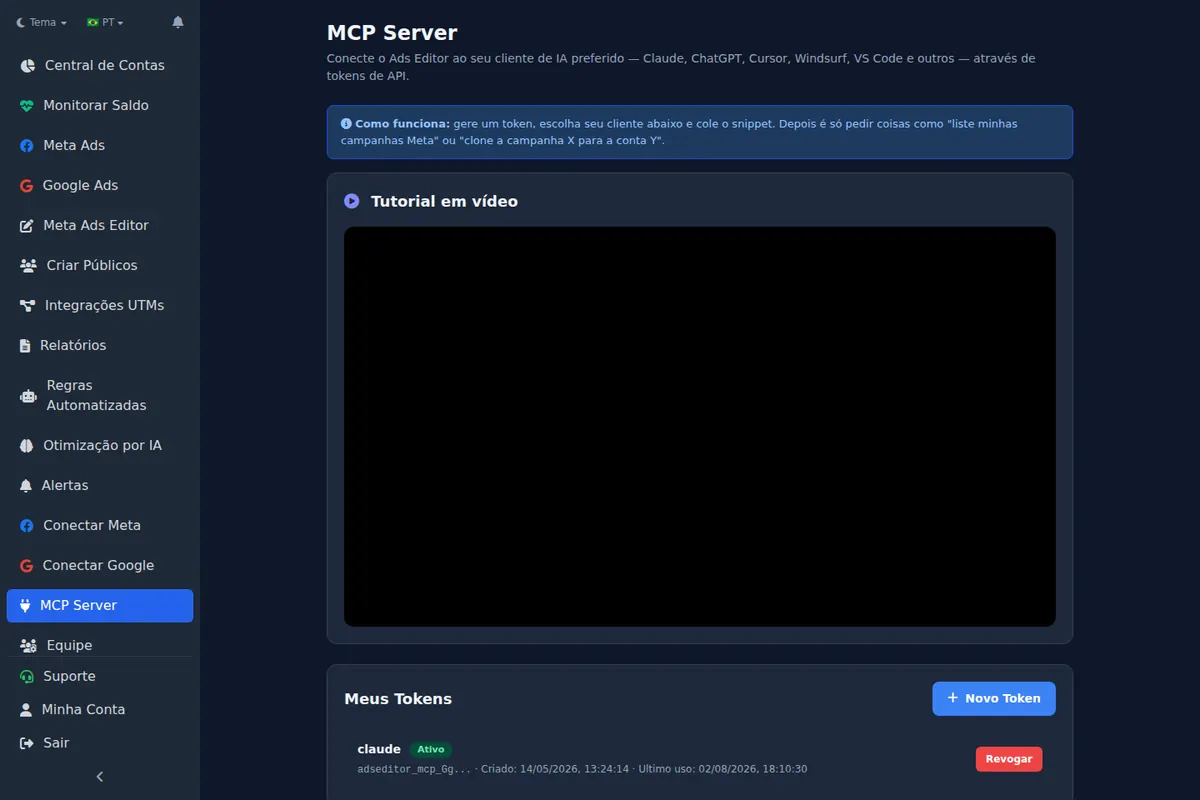
- Everything is logged under Recent activity on the MCP Server screen.
In Claude, the MCP also adds ready-made requests under the + button, such as Account diagnosis and What to pause today (connecting Claude). For ChatGPT and Grok: ChatGPT and Grok. Why these requests: top 10 Meta Ads MCP use cases. Overview in the Meta Ads MCP guide.
Frequently asked questions
Do these prompts work without an MCP?
No. Without an MCP server connected, the assistant cannot reach the account: it only answers in general terms or analyzes what you paste.
Do I need to use the exact wording?
No. The assistant understands variations. What matters is naming the account, the date range and the action, and asking for confirmation before writing.
Do the prompts work in Grok and ChatGPT too?
Yes. The Ads Editor server is the same in every MCP-compatible assistant, so the tools and safeguards are the same.
Glossary
- Prompt
- The request you write to the AI.
- AI credits
- Ads Editor balance used by AI analyses, such as the account diagnosis.
References
- Model Context Protocol: introduction. Supports: MCP is an open standard for connecting AI applications to external systems.
The claim supported by each source is shown above.
About the author
Matheus Mello, founder of Ads Editor and owner of YEP Agência. Runs client ad accounts at YEP Agência and built Ads Editor so his own agency could stop publishing ads one at a time. Usage numbers quoted on the blog come from the product activity log. Instagram: @theusm