Meta Ads MCP in ChatGPT: how to connect and what to ask
By Matheus Mello, founder of Ads Editor and owner of YEP Agência · Published · 6 min read
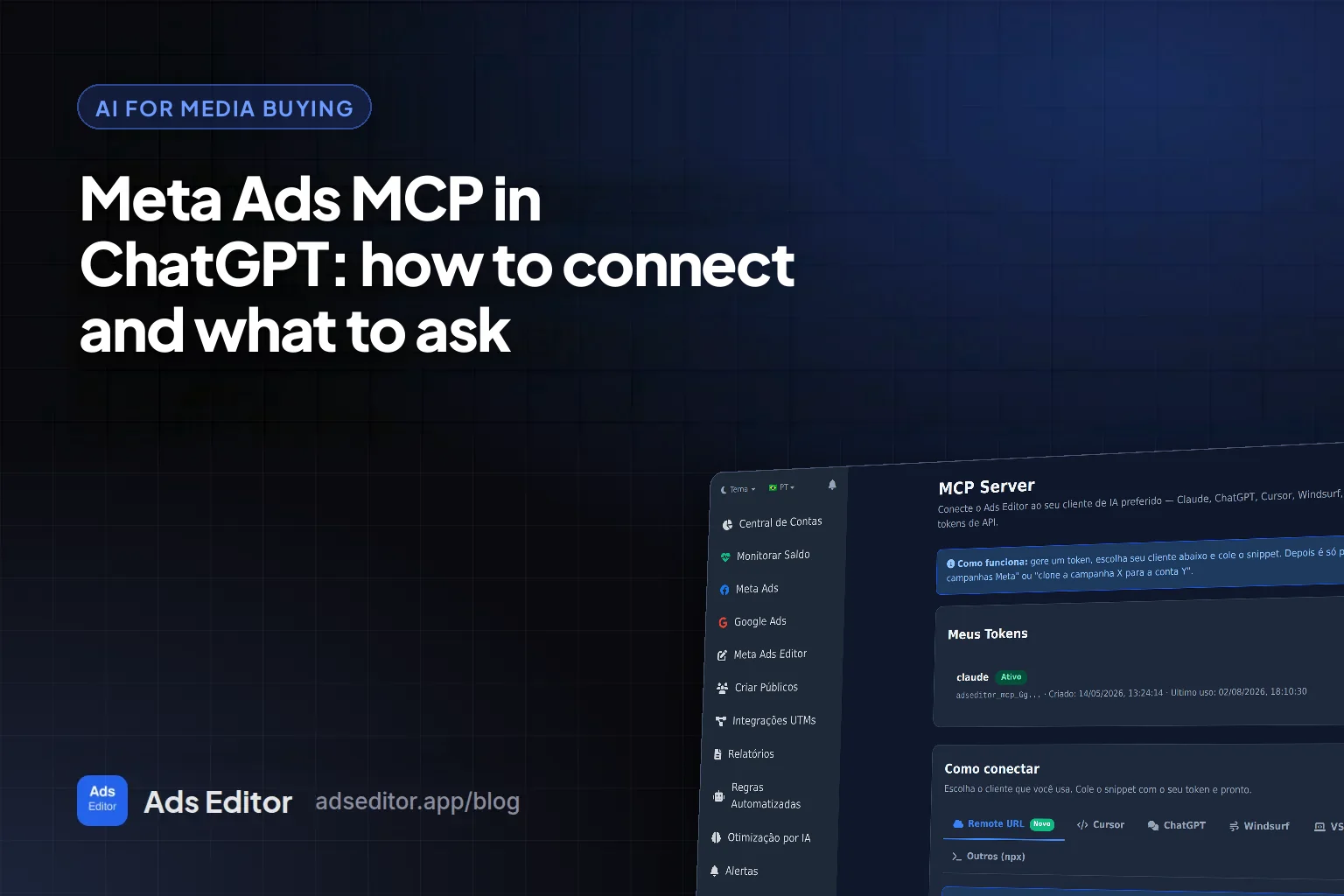
A Meta Ads MCP in ChatGPT turns the assistant from something that talks about ads in general into something that reads and changes your own campaigns. The connection lives under Plugins, takes a few minutes and needs no token.
Connect my AIQuick answer
To use a Meta Ads MCP in ChatGPT, open Plugins, click Add, choose Add custom MCP server, paste `https://mcp.adseditor.app/mcp`, leave Authentication on OAuth and authorize with your Ads Editor login. You need a paid ChatGPT plan and the Ads Editor Pro plan or the 7-day trial.
Summary
- The connection is a custom MCP server under Plugins with OAuth: ChatGPT only accepts OAuth in that form, no token.
- It needs a paid ChatGPT plan; on the Ads Editor side, the Pro plan (US$ 39 per month) and up or the 7-day free trial, with up to 300 calls a day.
- The same server covers Meta Ads and Google Ads, with more than 350 tools.
- Videos are never pasted into the chat: send a public or Google Drive link and the server downloads it.
- Copies and campaigns start paused, and ChatGPT asks for confirmation before actions that change the account.
In this article · 7 sections
What changes when ChatGPT has an ads MCP?
Without an MCP, ChatGPT only analyzes what you paste in: an Ads Manager screenshot, an exported spreadsheet. With the Ads Editor MCP, it queries your Meta and Google accounts live and acts on them: it copies a campaign to another ad account, launches ads from a Drive folder, creates audiences and edits dozens of items at once. That is more than 350 tools on one server.
How do you connect a Meta Ads MCP in ChatGPT?
- In ChatGPT on the web, click the Plugins icon in the left bar (or open
chatgpt.com/plugins). The screen that opens is Customize and Plugins. - Click Add and choose Add custom MCP server.
- In Name, enter Ads Editor. In Server URL, paste
https://mcp.adseditor.app/mcp. Leave Authentication on OAuth, check I understand and want to continue and click Create as a plugin. - Your browser opens the Ads Editor authorization: sign in and click Authorize. Then turn on the Ads Editor plugin in the chat.
ChatGPT menu names change between versions. The help center guide, with screenshots, is updated when they do: everything you can do with MCP.
What you need
A paid ChatGPT plan, which is where custom MCP servers are available. On Ads Editor, the MCP comes with the Pro plan and up (Pro, Business, Scale and Enterprise) and is included in the 7-day free trial, with up to 300 calls a day. Starter (US$ 19 per month) does not include the MCP. See pricing.
What is the first request to test the connection?
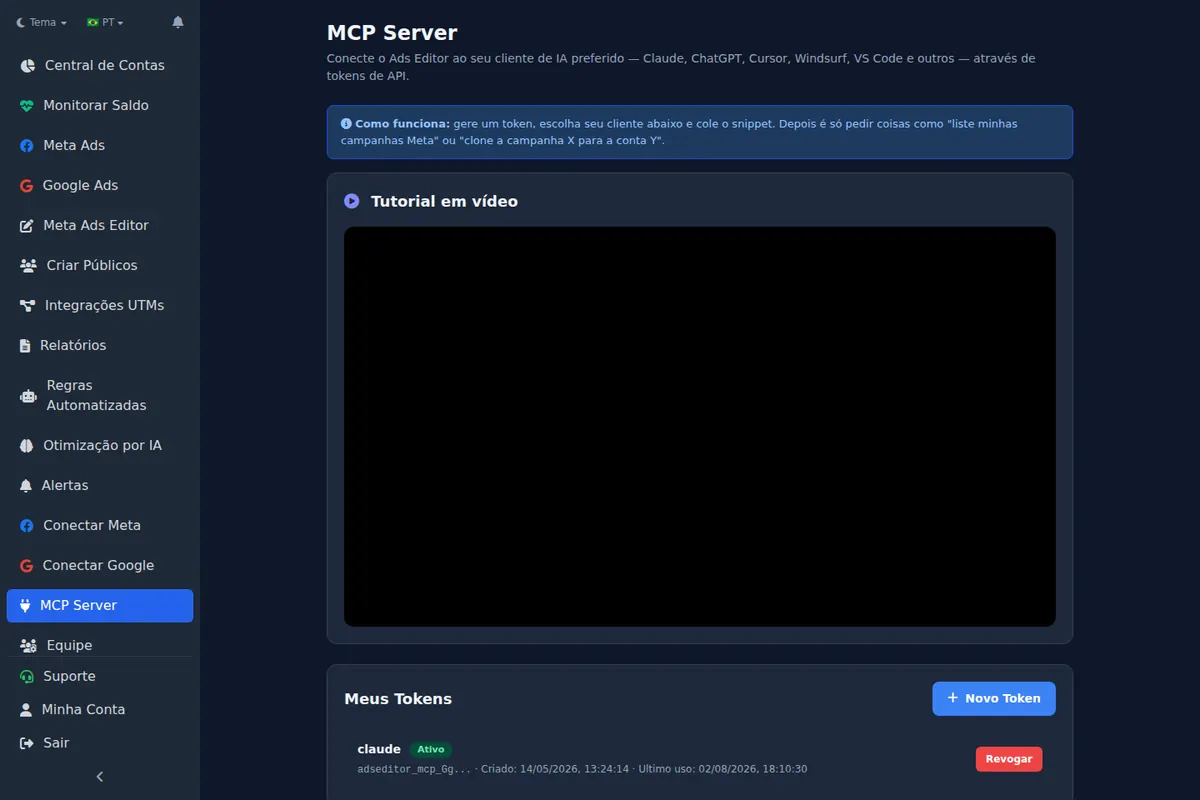
Type "list my Meta and Google ad accounts". If the list comes back, you are set, and the call shows up under Recent activity on the Ads Editor MCP Server screen. Name the account in every request after that; with similar account names, ask for the list first.
What should you ask ChatGPT once it is connected?
| Request | What happens |
|---|---|
| Copy the Launch campaign from account A to account B, swapping the Page and WhatsApp number for account B's, paused. | Reads account B's assets and creates a paused copy |
| Make a copy of WhatsApp campaign X with a website sales objective. | Validates the combination with Meta and creates a paused copy |
| Upload the videos in this Drive folder [link] to the ad sets of the Test campaign, using the ad set's copy. | One ad per file in each ad set, through the uploader queue |
| Turn off Advantage+ creative enhancements on every active ad in account X. | Applies in bulk; above 50 ads, in the background |
| Create 30, 90 and 180 day Instagram engagement audiences in account X. | Creates the three audiences at once |
| Which ads use the Quote form? Swap it for the Quote 2026 form. | Lists and swaps; if the name matches more than one form, it asks which |
| Add Austin, 20 km radius, to every active ad set in account X. | Changes only the location, leaving the rest of the audience as it is |
| Copy the Google Brand campaign to the Clinic B account, paused. | Copies the Google campaign to the other account |
| Show search terms that spent without converting and add the ones I approve as negatives. | Lists the terms and adds negatives after your approval |
| Which Meta and Google accounts have less than 3 days of balance left? | Read only: balance, today's spend and days left |
More requests, grouped by task, in Meta Ads MCP prompts. Why these and not "pause ad X": top 10 Meta Ads MCP use cases.
Does ChatGPT change the account without asking?
- According to OpenAI's documentation, ChatGPT asks for manual confirmation before write actions run by an MCP server.
- On the Ads Editor side, campaigns, ad sets and copies start paused. Changing placements, turning on Advantage+ audience and switching between CBO and ABO ask for confirmation.
- A daily budget more than six times the current one, and above 1,000 in the account currency, needs an extra confirmation: the server returns a code tied to the operation, and the assistant resends it only after you confirm.
- Before a bulk change, ask: "show me what will change and wait for my confirmation".
How do you send videos and images through ChatGPT?
Videos never go pasted into the chat: large files do not pass through the conversation. Send a public file link or a Google Drive link (file or folder, shared as "anyone with the link") and the server downloads it. A small image can be pasted. To upload files straight from your computer, terminal assistants such as Claude Code and Codex do it with a command the assistant runs itself.
If something goes wrong
| Symptom | What to do |
|---|---|
| ChatGPT says it does not have the tool | Open a new conversation: new tools only show up in a new one. Team members check with the account owner whether the function is enabled for them |
| The video does not upload | Send a public or Google Drive link instead of pasting the file |
| The Drive link shows as private | Copy the full link from the Share button, with access for anyone with the link |
| Meta rejected the budget change | The same item was changed less than 30 seconds ago: wait and ask again |
Using another assistant? See Meta Ads MCP in Claude and in Grok. The comparison with Meta's official MCP is in the Meta Ads MCP guide.
Frequently asked questions
Can I connect Meta Ads to ChatGPT for free?
Custom MCP servers are on ChatGPT's paid plans. On Ads Editor, you can try the MCP free for 7 days, with up to 300 calls a day.
Do I need a token to connect ChatGPT?
No. ChatGPT only accepts OAuth in that form: you paste the URL and authorize with your Ads Editor login.
Can ChatGPT manage Google Ads too?
Yes. The same Ads Editor server covers Meta Ads and Google Ads in the same conversation.
Can a team member use it in their own ChatGPT?
Yes. Each member authorizes with their own Ads Editor login and only reaches the accounts, pages and functions enabled for them.
Glossary
- OAuth
- A way to authorize an app to act on your account through your login, without handing over a password or copying a key.
- Custom MCP server
- A third-party MCP server you add to ChatGPT by pasting its URL.
References
- OpenAI: MCP servers and connectors in ChatGPT. Supports: Remote MCP servers with OAuth recommended, and manual confirmation before write actions.
The claim supported by each source is shown above.
About the author
Matheus Mello, founder of Ads Editor and owner of YEP Agência. Runs client ad accounts at YEP Agência and built Ads Editor so his own agency could stop publishing ads one at a time. Usage numbers quoted on the blog come from the product activity log. Instagram: @theusm