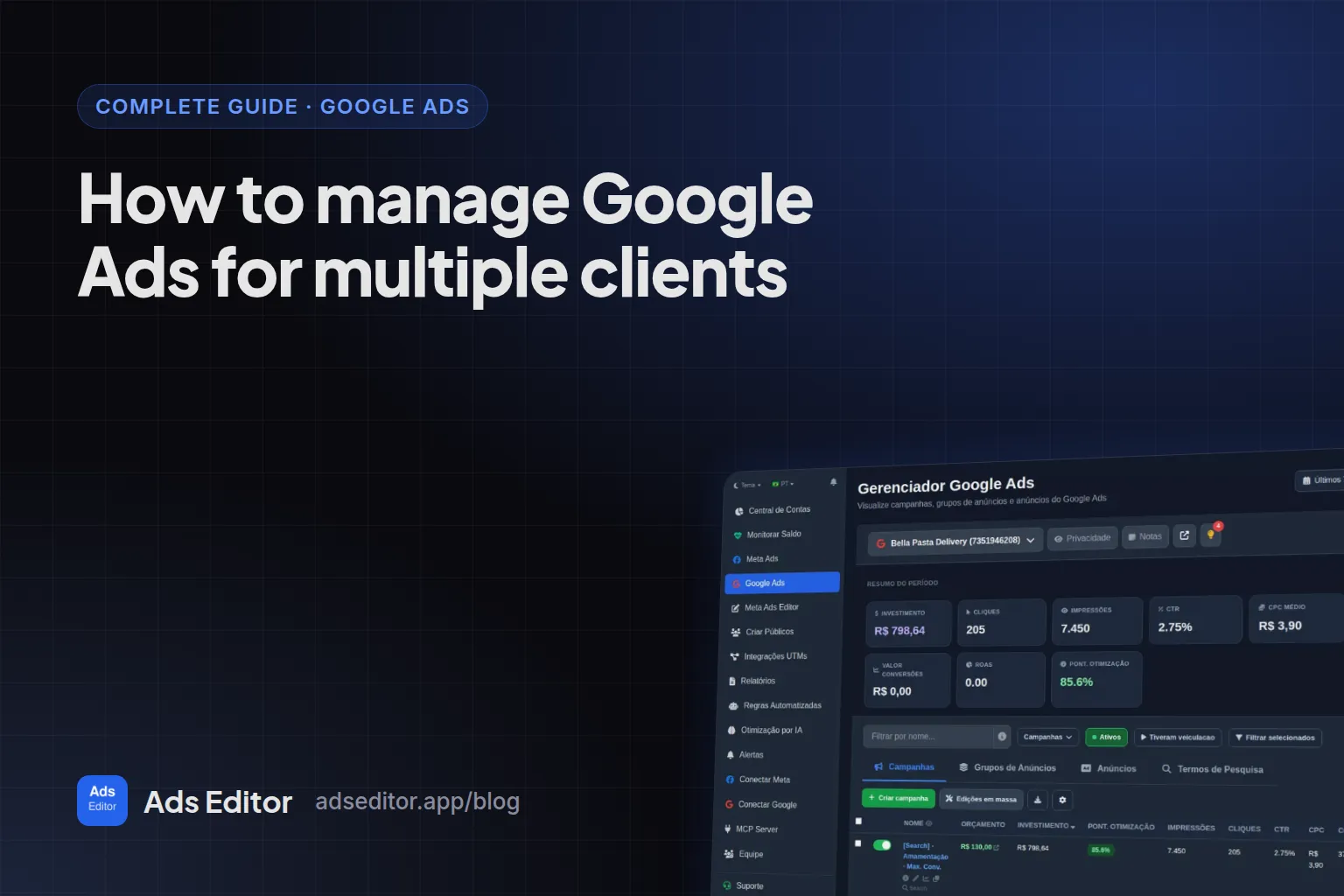
How to manage Google Ads for multiple clients
By Matheus Mello, founder of Ads Editor and owner of YEP Agência · Published · 5 min read
To manage Google Ads for multiple clients, access is the easy part: a manager account (MCC) puts every client under one login. What decides whether 15 accounts stay healthy is a fixed weekly routine, done the same way in every account, with the repetitive edits made in bulk.
Quick answer
To manage Google Ads for multiple clients, set a weekly routine per account: review search terms and add negatives for what does not convert, adjust target CPA or ROAS only after the learning period, keep headlines, descriptions and assets current, and standardize UTMs. Make the repeated edits in bulk, never account by account.
Summary
- A manager account (MCC) gives one sign-in and one dashboard for every client account.
- Search terms weekly, bids biweekly and outside learning, assets monthly, tracking on every new campaign.
- Changing bid targets every week keeps a campaign learning forever.
- UTMs live in the campaign's final URL suffix, and new campaigns do not inherit it.
- Performance Max needs its own checklist: asset group minimums and bid strategy limits.
How do you access many client accounts?
Through a manager account. Google Ads Help describes it as a Google Ads account that lets you view and manage multiple Google Ads accounts from one place, with a single sign-in and multi-account reporting. The industry still calls it MCC. Link the client's existing account by sending a request from your manager account, so access stays under the agency's control.
Which weekly routine should every account get?
| Routine | What to do | Frequency |
|---|---|---|
| Search terms | Read the terms that got clicks and add negatives for anything without intent | Weekly |
| Bids | Compare real CPA or ROAS with the target and adjust in small steps | Every two weeks, outside learning |
| Ads and assets | Update headlines, descriptions, sitelinks, callouts and snippets | Monthly or when the offer changes |
| Tracking | Check the UTM suffix and the primary conversions | On every new campaign |
When should you change target CPA or target ROAS?
Only after learning. Google Ads Help says it can take a few conversion cycles (1 to 2 typically) for a bid strategy to calibrate, and that a new strategy, a setting change or a composition change (campaigns, ad groups or keywords added or removed) triggers the Learning status. Changing targets every week keeps a campaign learning forever.
| Strategy | When it makes sense |
|---|---|
| Maximize conversions | Early, without enough history for a target |
| Target CPA | Stable volume and a known cost per conversion |
| Maximize conversion value | Ecommerce with different order values |
| Target ROAS | Reliable conversion values and volume |
| Maximize clicks | Traffic goals, with care |
| Target impression share | Brand terms and position |
| Manual CPC | Full control on a small account (no learning period) |
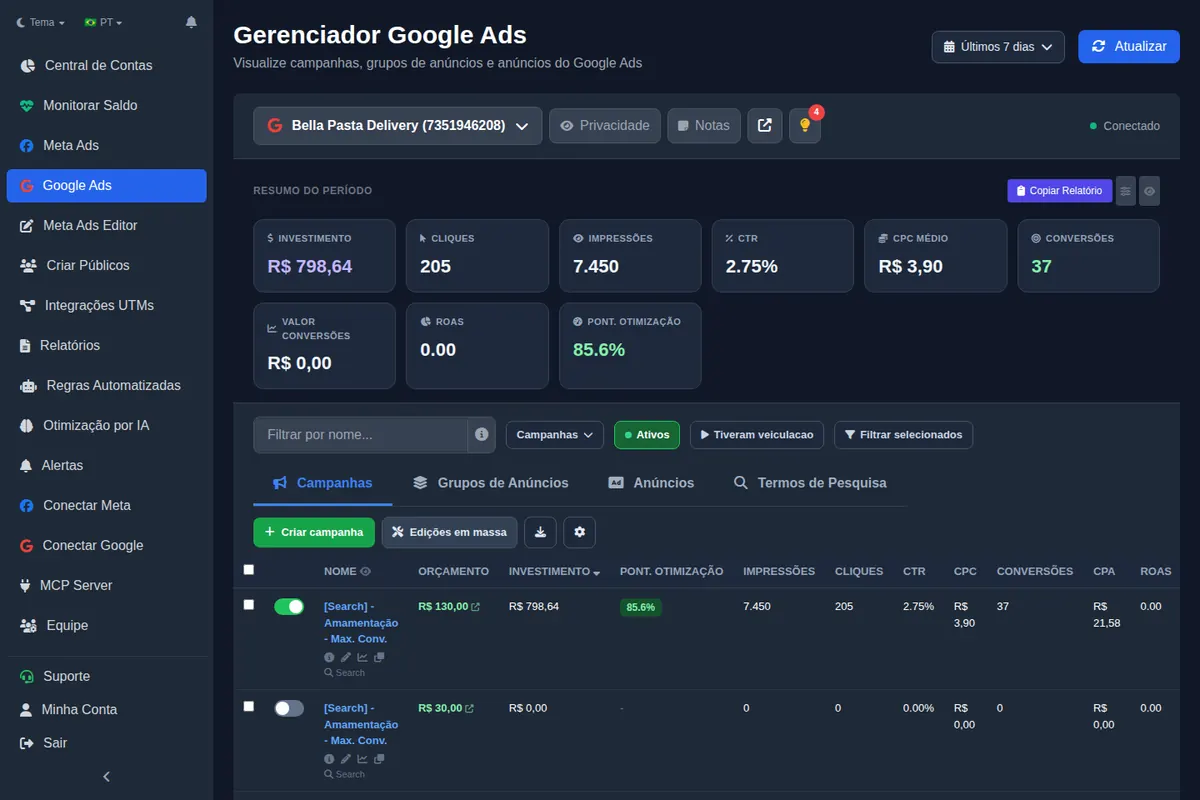
What should you edit in bulk?
- Headlines, descriptions and final URLs of many ads at once.
- Assets (sitelinks, callouts and structured snippets) applied at campaign or ad group level.
- Negatives straight from search terms, with match type and level. See Google Ads negative keywords.
- Locations by city, region or radius around an address.
- Duplicating campaigns into other accounts.
Keywords and headlines can also be suggested by AI from the website and the campaign, for you to review before applying.
How do you standardize UTMs on Google Ads?
On Google, UTMs live in the campaign's final URL suffix, not in the ad. The Ads Editor default uses ValueTrack: utm_source=google&utm_campaign={campaignid}&utm_medium={adgroupid}&utm_content={creative}&utm_term={keyword}. New campaigns do not inherit the suffix, so set it right after creating them. Details in UTM parameters for Facebook ads, which covers both platforms.
How does Performance Max change the routine?
PMax is a different animal: no ad groups, no keywords, and an asset group where the ad used to be. It has its own creation rules, and when they are not met, Google rejects the whole campaign. It is all in Performance Max asset group requirements.
Where do Google Ads Editor and AI fit?
Google Ads Editor, Google's free desktop app, is still the best tool for very large offline edits in Google Ads alone. The difference from Ads Editor is in Ads Editor vs Google Ads Editor. For reading accounts through an AI assistant, Google published an open source MCP server that is read-only; an MCP that can also apply negatives and budgets is covered in Meta Ads MCP for Claude and ChatGPT.
What changes when Google and Meta live in one place?
The gain from centralizing is not just the login. It is seeing both platforms on the accounts hub, sending one client report and watching spend and status of both in the same monitor.
Frequently asked questions
How do you manage multiple Google Ads accounts?
With a manager account (MCC) for access and a weekly routine per account: search terms, bids, ads and tracking, with the repeated edits done in bulk.
How long does the bid strategy learning period last?
According to Google Ads Help, it can take a few conversion cycles, typically 1 to 2, depending on conversion volume and cycle length.
Where do UTMs go in Google Ads?
In the campaign's final URL suffix, with ValueTrack parameters like {campaignid} and {keyword}.
Does manual CPC have a learning period?
No. Google notes that Manual CPC is not subject to the bid strategy learning period.
Glossary
- Manager account (MCC)
- A Google Ads account that links and manages many client accounts under one login.
- Search terms report
- The list of actual searches that triggered your ads.
- Final URL suffix
- The field that appends tracking parameters to every final URL in a campaign.
- Learning status
- The bid strategy status shown while Google recalibrates after a change.
References
- Manager Accounts (MCC): About Google Ads manager accounts (Google Ads Help). Supports: A manager account lets you view and manage multiple Google Ads accounts from a single location, with single sign-in and multi-account reporting.
- Duration of the learning period for campaigns and what affects it (Google Ads Help). Supports: It can take a few conversion cycles (1 to 2 typically) for a bid strategy to calibrate; new strategy, setting change and composition change trigger the Learning status; Manual CPC is not subject to learning periods.
- Open Source Google Ads API MCP Server (Google Ads Developer Blog). Supports: On October 7, 2025 Google released an open source Google Ads API MCP server; the initial release is read-only and does not make changes to the account.
Links opened and checked when the article was last updated.
About the author
Matheus Mello, founder of Ads Editor and owner of YEP Agência. Runs client ad accounts at YEP Agência and built Ads Editor so his own agency could stop publishing ads one at a time. Usage numbers quoted on the blog come from the product activity log. Instagram: @theusm