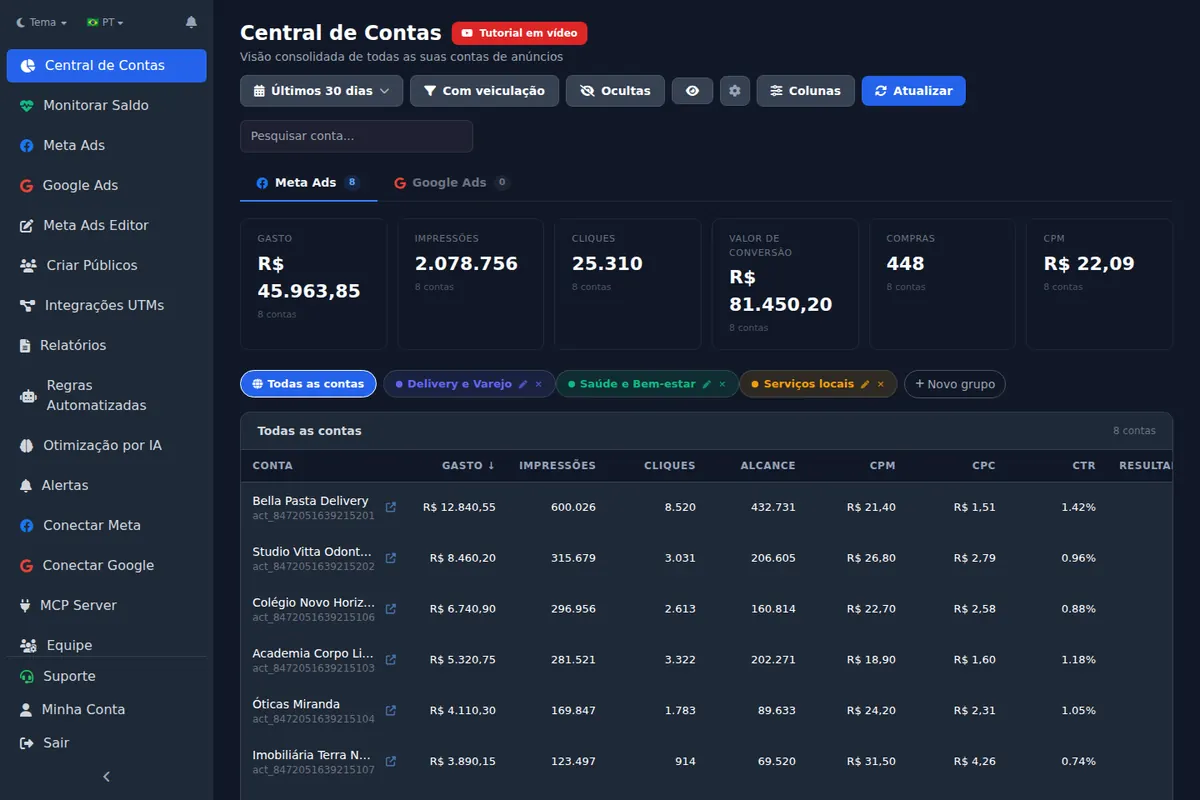
Google Ads for agencies
How to run Google Ads for many clients: bidding, negative keywords and Performance Max.
Complete guide · Google Ads for agencies
How to manage Google Ads for multiple clients
Manage Google Ads for multiple clients with a manager account and a weekly routine: search terms, bids after learning, assets, UTMs and PMax.
9 min read
Google Ads for agencies
Google Ads negative keywords: find the search terms burning your budget
How to find negative keywords in Google Ads from the search terms report, which match type and level to use, and why negatives miss close variants.
7 min read
Google Ads for agencies
Performance Max asset group: what Google needs to accept it
Performance Max asset group minimums: headlines, long headline, descriptions, business name, images and logo, plus the bid strategies PMax accepts.
6 min read
Google Ads for agencies
Merchant Center in Performance Max: how to link your feed and advertise products
How to link Google Merchant Center to Google Ads and attach your feed to Performance Max: who approves, feed labels, listing groups and common errors.
7 min read
Google Ads for agencies
Google Ads recommendations: which to apply, which to dismiss, and what optimization score measures
Google Ads recommendations and optimization score: what to apply, what to dismiss, the risk of auto-apply, and how to review many accounts every week.
7 min read
Google Ads for agencies
Google Ads experiments: how to A/B test a bid strategy or landing page
Google Ads experiments explained: A/B test a bid strategy or landing page, choose the split, know how long to wait, and decide when to apply or end the test.
7 min read
Google Ads for agencies
Google Ads bid adjustments: device, schedule, location, audience and demographics
Google Ads bid adjustments by device, ad schedule, location, audience and demographics: ranges, how they stack, what Smart Bidding ignores, how to set the %.
7 min read
Google Ads for agencies
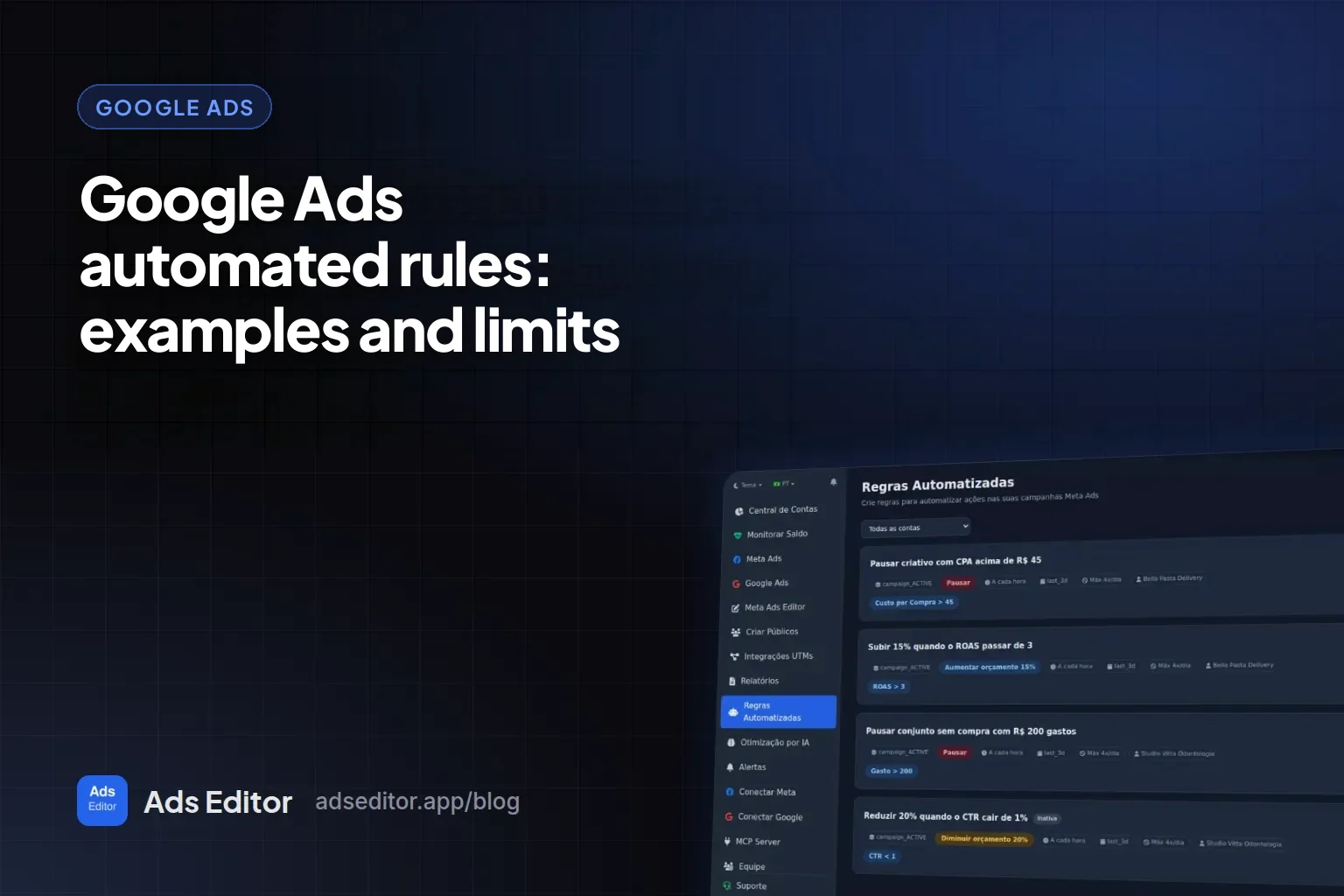
Google Ads automated rules: what to automate, examples and limits
How to use Google Ads automated rules to pause expensive keywords and adjust target CPA and budget, with ready-made examples and what a rule can't fix.
9 min read
Google Ads for agencies
How to copy a Google Ads campaign to another account (and duplicate it in the same one)
Four ways: copy and paste in one account, a manager account (Search only), Google Ads Editor across accounts, and Ads Editor for many accounts at once.
9 min read
Google Ads for agencies
Google Ads sitelinks: what they are, character limits, levels and examples
What sitelinks are, the 25 and 35 character limits, how many show, account vs campaign vs ad group, and example sitelink text for five niches.
9 min read
Google Ads for agencies
How to export Google Ads data to Excel, Google Sheets or PDF, and schedule it
Step by step with the download button, which format to pick (Sheets, Excel, CSV or PDF), how to schedule it by email and how to connect Google Sheets.
7 min read
Meta and Google together
Every Meta and Google account on one screen
Stop switching tabs: results, budgets and balances for every client side by side.
- Meta Ads and Google Ads
- Every client on one screen
- Team access per account
- 7 day free trial
- No credit card required
- Cancellation through support