How to export Google Ads data to Excel, Google Sheets or PDF, and schedule it
By Matheus Mello, founder of Ads Editor and owner of YEP Agência · Published · 7 min read
Export Google Ads data and you get the table on your screen as a spreadsheet or PDF, or a file that arrives by email on a schedule. Google offers six formats behind the same button, and the right one depends on what you will do with the file. Below: the steps, a format table and the options for anyone who needs this every week.
Build a report nowQuick answer
To export Google Ads data, open the table (campaigns, keywords or another), set the date range, columns and filters, click the download icon above the table and pick Excel CSV, TSV, PDF, XLSX, XML or Google Sheets. To get the file every day or week, use Schedule in the same menu.
Summary
- The file follows the view on screen: date range, columns and filters. Set them before downloading.
- Six formats behind one button: Excel CSV, TSV, PDF, XLSX, XML and Google Sheets.
- Schedule sends the report by email, at the frequency and format you choose, only to people with access to the account.
- For a sheet you can refresh, Google's official Google Ads add-on for Sheets pulls data from one or more accounts.
- Account structure (text, URLs, keywords) is exported with Google Ads Editor; metrics come from the statistics table.
In this article · 8 sections

How do you export a Google Ads table, step by step?
- Open the page with the table you want: campaigns, ad groups, ads, keywords, search terms or another statistics table.
- Pick the date range in the date selector at the top of the page.
- Set columns and filters. The file carries what is on screen: if the cost per conversion column is not in the table, it will not be in the spreadsheet.
- Click the download icon, in the top right corner above the table.
- Click Download and choose the format. The file downloads in the browser or, for Google Sheets, opens as a sheet.
Filter first, not after
Want only last month's Search campaigns? Apply the campaign type filter and the date range before downloading. Filtering the spreadsheet later gets the same result with more work and more room for mistakes.
Which format should you pick: Excel, CSV, PDF or Google Sheets?
| Format | Use it when | Note |
|---|---|---|
| Google Sheets | The team will work on the file in the browser | It is a snapshot: it does not refresh on its own |
| XLSX | You work in Excel | Opens directly, no import step |
| Excel CSV | The file goes to another tool, BI or script | Text file most systems can import |
| TSV | The text has commas, like ads and search terms | Tab separated, which avoids broken columns |
| The file goes to the client or into an attachment | Good to read, bad to recalculate | |
| XML | An integration asks for that format | Rare in day to day media buying |
How do you schedule the report by email?
- In the same table, click the download icon and then Schedule.
- Choose the frequency, such as daily or weekly.
- Choose the format, such as CSV or PDF.
- Choose the recipients: you and other people with direct access to the account.
- To edit it later, click Save this report, give it a name and schedule it again. It stays in the Report editor.
A client without access gets nothing
Scheduled emails only go to people with direct access to the Google Ads account. A client without access needs to get the file from you, or a report link.
What time does the scheduled report arrive?
According to Google, reports for individual accounts start generating at 1 AM and reports for manager accounts at 5 AM, in the account's time zone. Saved reports nobody opens for more than 18 months are removed automatically.
Are filters kept in a scheduled report?
Yes. Campaign and ad group filters go along. If you filtered by status (enabled or paused), new campaigns with that status join the report automatically. Review the list now and then so the client does not get a campaign from another product.
How do you get Google Ads data into Google Sheets?
There are two routes, and they serve different jobs:
| Download as Google Sheets | Google Ads add-on for Sheets | |
|---|---|---|
| Who does it | The table's download button | The official add-on, published by Google Ads in the Google Workspace Marketplace |
| Accounts | The account that is open | One or more Google Ads accounts |
| Refresh | None: it is a copy | A refresh pulls the latest data |
| Setup | The view on screen | You pick columns and filters inside the sheet |
| Language | Your interface language | The listing says it is English only |
The add-on listing does not mention scheduled refresh: you refresh by hand. For a dashboard that updates by itself, the usual answer is a BI connector or a tool that reads through the API.
How do you export the account structure, not just the numbers?
The statistics table exports metrics. To take the structure (campaigns, ad groups, ads, text, URLs and keywords) to a spreadsheet, edit it and apply it back, the route is Google Ads Editor, Google's free desktop app, which exports the account to CSV and imports the edited sheet.
Can you export and schedule through the Google Ads API?
Export, yes: any tool that reads the account through the API builds its own files. Schedule and email, not through the API: Google's documentation says you can schedule and email a report from the interface, but those features are not supported in the API. That is why each third party tool has its own way to send reports, or does not send them.
Which route fits each need?
| You need | Route | Limit |
|---|---|---|
| A file right now | Table download | One account and one view at a time |
| The same file every week | Schedule by email | Only for people with direct access to the account |
| A team sheet with several accounts | Google Ads add-on for Sheets | Manual refresh; add-on in English |
| Bulk edits to the structure | Google Ads Editor, export and import CSV | Desktop app, Google Ads only |
| A client report with Meta and Google | A report link from a tool | Depends on the tool; see below what Ads Editor does and does not do |
How do you export Google Ads data in Ads Editor?
In Ads Editor's Google manager, click the export button above the table and choose Export CSV or Export PDF. Both use the open tab (Campaigns, Ad groups or Ads), the filters and the date range on screen, and with rows checked they export only those rows. The CSV always brings the same columns: name, status, spend, impressions, clicks, CTR, CPC, conversions, cost per conversion and conversion value. The PDF follows the columns you set and opens as a print ready Google Ads report, which you save as PDF in the browser.
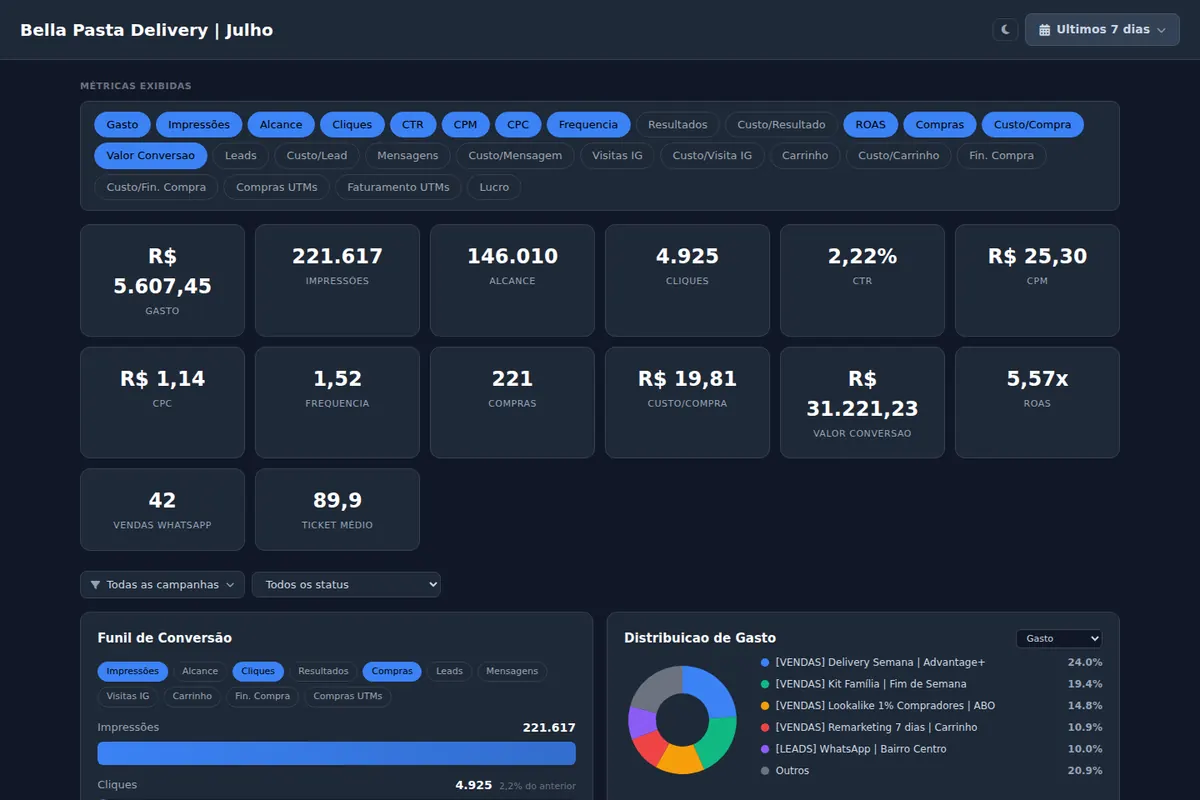
For the client, the report link brings several Google Ads and Meta accounts together, with keywords, search terms and Performance Max asset performance. The client opens it without logging in and changes the date range alone, and the report's Export PDF button builds the file on the server. What Ads Editor does not do: schedule the report by email. The link is always up to date, and the PDF you download and send. The full walkthrough is in the Meta Ads report for clients.
Frequently asked questions
Can you export Google Ads to Excel?
Yes. In the download icon above the table, choose XLSX or Excel CSV. The file keeps the date range, columns and filters on screen.
How do you make a Google Ads PDF?
Choose PDF in the table's download menu, or schedule the report in PDF to get it by email.
How do you schedule a Google Ads report by email?
In the table's download icon, click Schedule and pick frequency, format and recipients. Only people with direct access to the account receive it.
Can you connect Google Ads to Google Sheets?
Yes, through Google's official Google Ads add-on for Sheets, which builds reports from one or more accounts and refreshes when you ask. Downloading as Google Sheets is only a copy.
Does Ads Editor schedule the report email?
No. It exports CSV and PDF and builds a report link that is always up to date, but it does not schedule emails.
Glossary
- Statistics table
- The campaigns, ad groups, ads or keywords table in Google Ads, with the metric columns you chose.
- Scheduled report
- A file Google Ads generates and emails at the frequency you choose.
- Report editor
- The Google Ads area that keeps saved reports, to edit and reuse.
- TSV
- Tab separated text spreadsheet, useful when fields contain commas.
References
- Google Ads Help: create, save and schedule reports from statistics tables. Supports: Checked on November 23, 2026: download icon above the table; Excel CSV, TSV, PDF, XLSX, XML and Google Sheets formats; Schedule with frequency, format and recipients with direct access; campaign and ad group filters included; generation at 1 AM (individual) and 5 AM (manager) in the account time zone; removal after 18 months without access.
- Google Ads API: UI reports. Supports: "You can schedule and email a report from the UI, but these features are not supported in the API."
- Google Workspace Marketplace: Google Ads add-on for Sheets. Supports: Checked on November 23, 2026: developer Google Ads; reports from one or more accounts; columns and filters; refresh with the latest data; English only; no scheduled refresh mentioned.
- Google Ads Editor Help: export an account to a spreadsheet. Supports: Export the Editor account to a CSV spreadsheet.
- Ads Editor Help Center: Google Ads columns and cards. Supports: Export CSV or Export PDF above the table, with the tab, filters and date range on screen.
- Ads Editor Help Center: share and protect the report. Supports: Export PDF at the top of the report, built on the server.
The claim supported by each source is shown above.
About the author
Matheus Mello, founder of Ads Editor and owner of YEP Agência. Runs client ad accounts at YEP Agência and built Ads Editor so his own agency could stop publishing ads one at a time. Usage numbers quoted on the blog come from the product activity log. Instagram: @theusm