Google Ads negative keywords: find the terms burning budget
By Matheus Mello, founder of Ads Editor and owner of YEP Agência · Published · 5 min read
Google Ads negative keywords keep your ads away from searches that will never buy, and the search terms report is where you find them. The work is simple and weekly, which is exactly why it gets skipped when you run many accounts.
Quick answer
Negative keywords exclude irrelevant searches from Google Ads campaigns. To find them, open the search terms report, sort by cost, flag terms that spent without converting and have no buying intent, and add them as exact or phrase negatives at campaign level. Repeat every week, and add plurals and misspellings yourself.
Summary
- Sort search terms by cost and flag the ones with spend, no conversions and the wrong intent.
- Exact negatives are the safest; broad negatives cut good searches along with bad ones.
- Campaign level for terms useless everywhere in the campaign; ad group level to route a term elsewhere.
- Negatives do not match close variants, so plurals and misspellings need their own entries.
- An account-level list handles the terms no campaign should ever show for.
How do you find terms to add as negatives?
- Open the search terms for the period (7 to 30 days).
- Sort by cost.
- Flag terms that spent, did not convert and show a different intent: free, jobs, course, meaning, a competitor you do not want.
- Add them as negatives with the right match type and level.
Which match type should a negative keyword use?
| Type | What it blocks | Risk |
|---|---|---|
| Exact | Only that search | Low: you may need more negatives |
| Phrase | Searches containing the phrase in that order | Medium |
| Broad | Searches containing all the words, in any order | High: cuts good searches along with bad ones |
One detail from Google Ads Help that matters more than the match type: negative keywords do not match close variants. A negative on glasses does not block glass; plurals, misspellings and variants need their own entries.
Campaign level or ad group level?
Campaign level when the term is useless for the whole campaign. Ad group level when the term is good but should land in a different ad group, for example negating a product name in the generic ad group so it falls into the specific one.
For terms no campaign should ever show for (jobs, free, your own brand in prospecting campaigns), use an account-level negative keyword list: Google applies it to all eligible Search and Shopping inventory in relevant campaign types.
Illustrative scenario (not a real client)
An optometrist selling prescription eyeglasses finds spend on wine glasses and drinking glasses. Those are different intents: phrase negatives at campaign level. It is the same example Google Ads Help uses to explain negatives.
Which negatives should every new account start with?
Before the first search terms report exists, start with a short list of terms that almost never buy, and adjust it by niche:
| Intent to exclude | Example terms | Watch out for |
|---|---|---|
| Job seekers | jobs, careers, hiring, salary | Staffing or recruiting clients, where these are the product |
| Free seekers | free, download, template | Businesses that sell templates or offer a free tier |
| Learners | course, how to become, certification | Education clients |
| Research only | meaning, definition, what is | Awareness campaigns that want that traffic |
The column on the right matters more than the list: a negative that is obvious for one client is the core keyword for another. This is why a single shared list copied across every account is dangerous.
How do you run the routine across many accounts every week?
- Block a fixed slot per week for search terms, account by account, in order of spend.
- In each account, only review terms above a spend threshold that matters for that client; the long tail can wait for the monthly pass.
- Add negatives at the narrowest level that solves the problem, and log in one line what you blocked and why.
- Once a month, check whether any negative is blocking a keyword you actually bid on, and remove it if so.
How do you do this with fewer clicks?
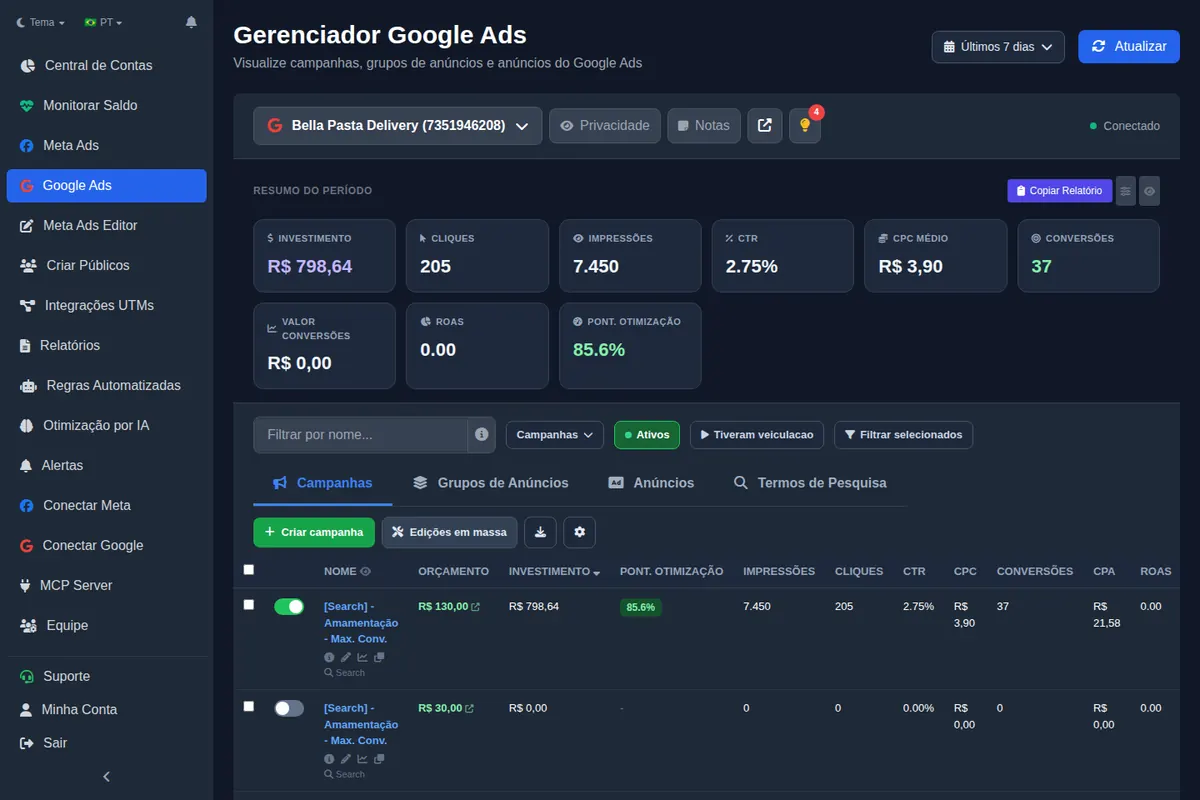
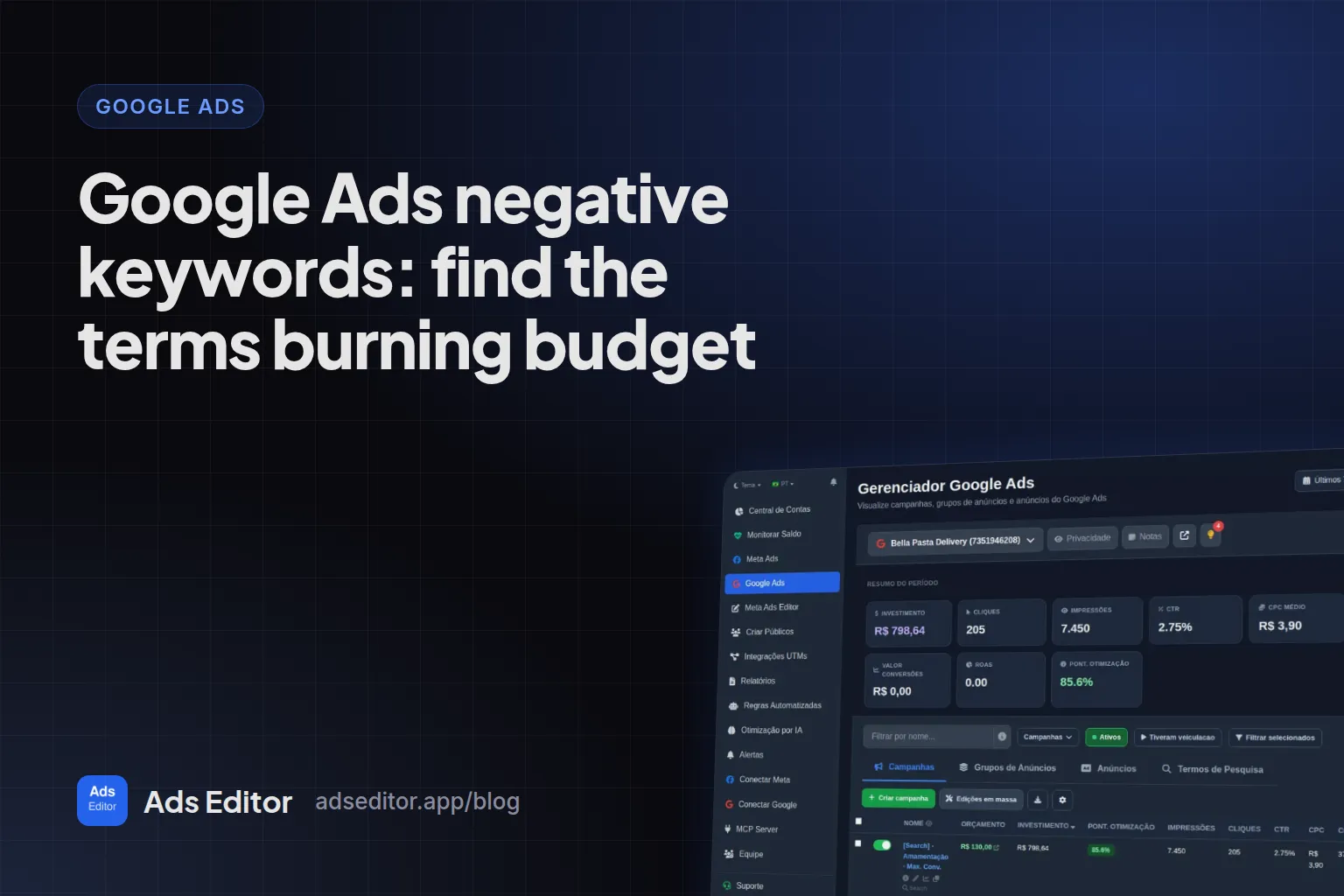
In the Ads Editor Google manager, the search terms tab has a negate action right there, choosing match type (exact, phrase or broad) and level (campaign or ad group), without switching screens. The same action is available to AI assistants: adding a Google negative keyword is one of the two most used action tools in the Ads Editor MCP, with 1,168 calls between May 14 and September 23, 2026 (see Meta Ads MCP usage data).
The routine this belongs to is in how to manage Google Ads for multiple clients.
Frequently asked questions
What are negative keywords?
Terms you exclude from a campaign so your ad does not show on irrelevant searches.
How often should I review search terms?
Weekly on accounts with meaningful budgets; every two weeks on small accounts.
Are broad match negatives dangerous?
They can be: they block any search that contains all the words, in any order, and cut good searches along with bad ones.
Do negative keywords block plurals and misspellings?
No. Negatives do not match close variants, so add those variations as separate negatives.
Glossary
- Search terms report
- The actual searches that triggered your ads, with cost and conversions.
- Negative keyword
- A term that prevents your ad from showing for searches that contain it.
- Close variant
- A plural, misspelling or similar form of a keyword; negatives do not match them.
- Account-level negative list
- A single list of negatives applied across eligible campaigns in the account.
References
- About negative keywords (Google Ads Help). Supports: Negative keywords let you exclude search terms; Search campaigns accept broad, phrase and exact negatives; negatives do not match close variants; account-level lists apply across eligible inventory; example of an optometrist excluding wine glasses and drinking glasses.
Links opened and checked when the article was last updated.
About the author
Matheus Mello, founder of Ads Editor and owner of YEP Agência. Runs client ad accounts at YEP Agência and built Ads Editor so his own agency could stop publishing ads one at a time. Usage numbers quoted on the blog come from the product activity log. Instagram: @theusm