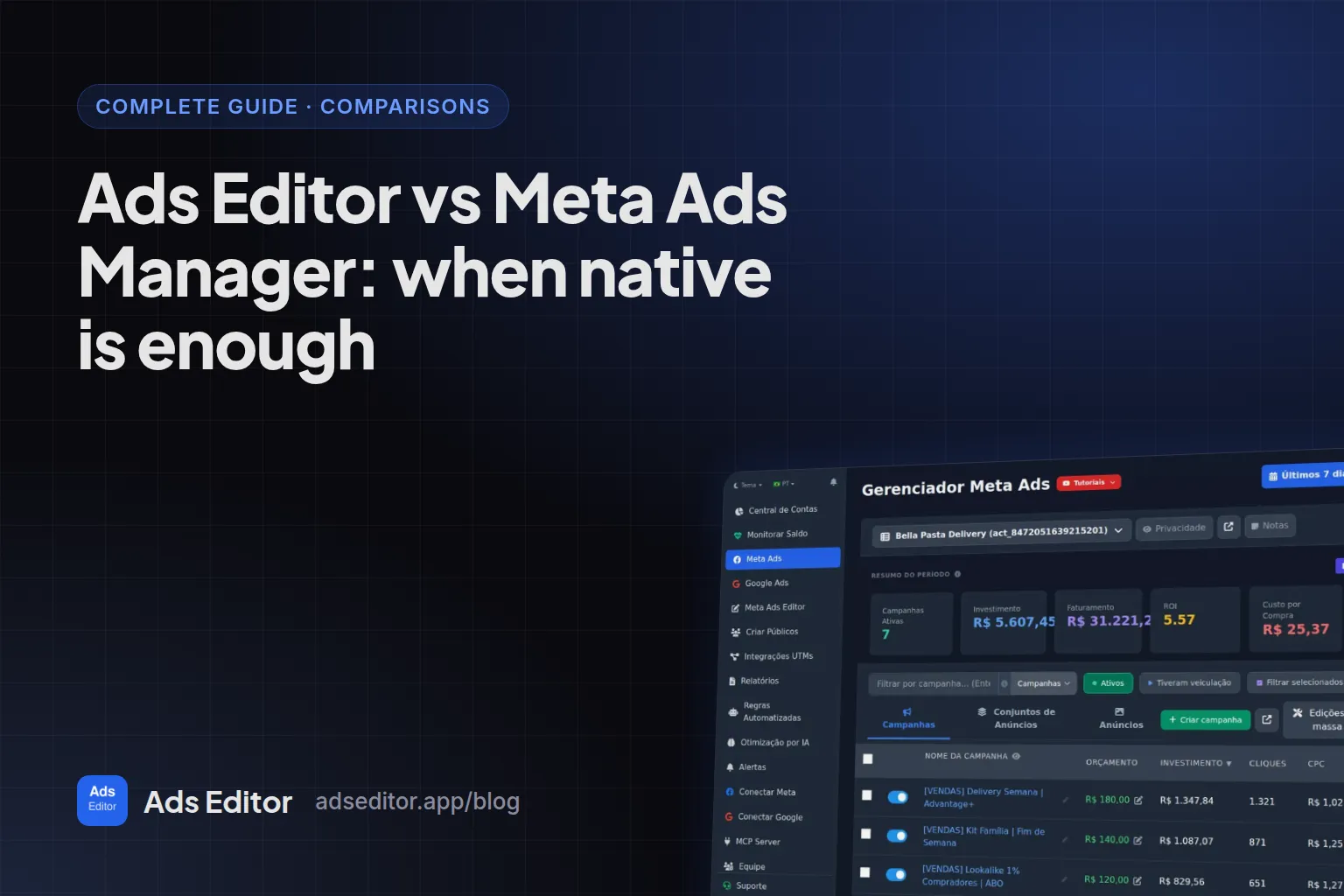
Ads Editor vs Meta Ads Manager: when native is enough
By Matheus Mello, founder of Ads Editor and owner of YEP Agência · Published · 6 min read
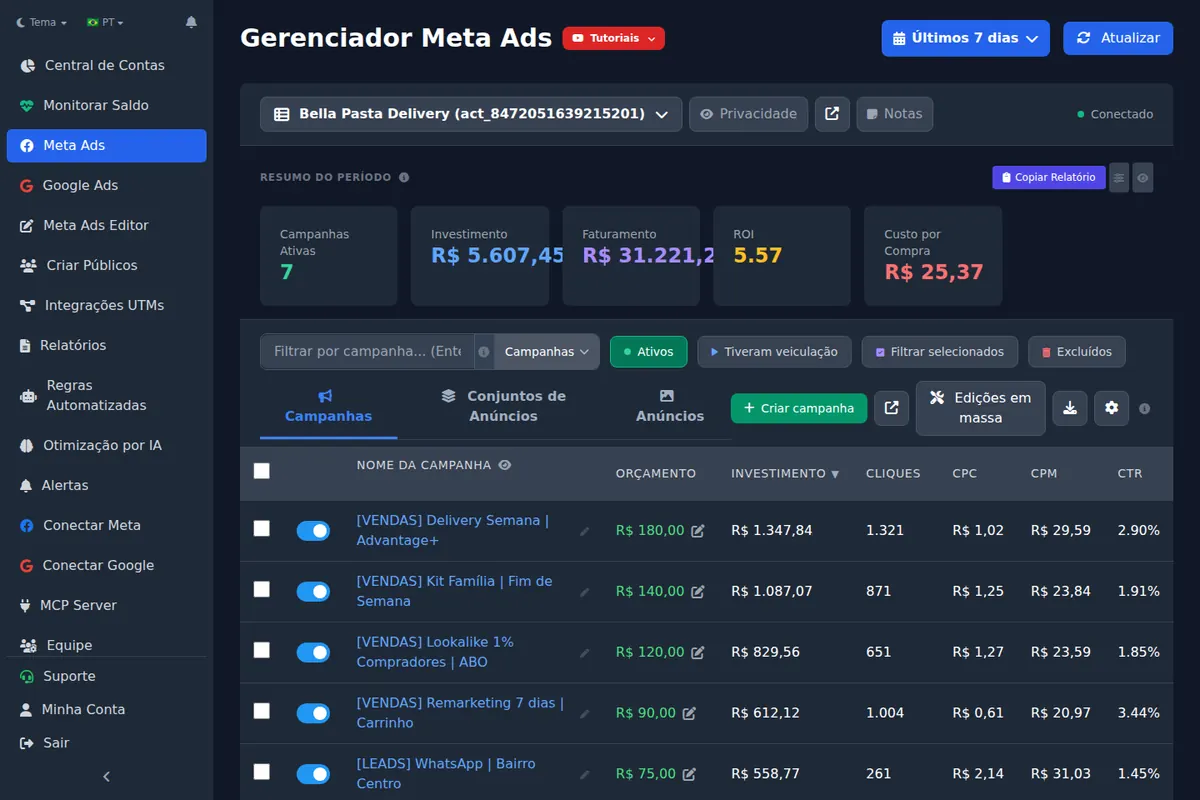
Looking for a Meta Ads Manager alternative usually means Ads Manager stopped fitting your operation, not that it got worse. It is excellent inside one account; what it does poorly is the same job repeated across many accounts, and that is the only reason to add a tool on top of it.
Quick answer
Meta Ads Manager is enough if you run a few accounts with little new creative. Ads Editor makes sense when work repeats across accounts: batch publishing, copying campaigns while swapping Page and pixel, seeing every balance and running Meta and Google in one place. It works on top of Ads Manager, not instead of it. Test with one real account.
Summary
- Ads Editor is an independent platform that runs Meta Ads and Google Ads through the official APIs; it is not Google Ads Editor or the old Power Editor.
- Inside one account, Ads Manager covers most needs for free.
- The gap is cross-account: batches, copies with identity swaps, audiences in bulk, balances and one report for Meta and Google.
- A spreadsheet is good for planning; it does not publish, copy or alert.
- Decide with a stopwatch: time one week, then compare with the plan that covers your account count.
What is Ads Editor?
Ads Editor is an independent platform for media buyers and agencies that run Meta Ads and Google Ads. It is not Google Ads Editor, Google's free app for Google Ads only; the difference is in Ads Editor vs Google Ads Editor. It is not Meta's old Power Editor either, which ended in 2018; what Meta offers today for bulk editing is in Meta Ads Editor and the bulk editor.
What does each one do?
| Task | Meta Ads Manager | Ads Editor |
|---|---|---|
| Create and edit campaigns in one account | Yes | Yes |
| Bulk edit selected items | Yes | Yes, plus find and replace and bulk copies |
| Publish many creatives into many campaigns and accounts in one action | No, one at a time or spreadsheet import | Yes, through the publishing queue |
| Copy a campaign to another account swapping Page, Instagram, pixel and WhatsApp | Export, import and fix by hand | Yes, in one action, remapping audiences by name |
| Create dozens of audiences in one action | No | Yes |
| Balance and status of every account on one screen | No | Yes, Meta and Google |
| Automated rules | Yes, per account | Yes, across accounts, with arbitration against automatic scaling |
| Google Ads in the same place | No | Yes |
| Client report as a link, with Instagram | No | Yes |
| Sales by ad from checkout webhooks | No | Yes, by UTM, with checkout-platform webhooks (currently platforms popular in Brazil, such as Hotmart and Kiwify) |
| Run from Claude or ChatGPT | Official connectors in open beta | MCP with Meta and Google |
| Team permissions by account | Through Business Portfolio | By screen and by account, without sharing passwords |
When is Meta Ads Manager enough?
- You run two or three accounts.
- You ship few new creatives per week.
- You do not run Google Ads for the same clients.
- The client does not ask for recurring reports.
In that scenario, paying for a tool is paying for time you do not spend. Save the money.
When does Ads Editor pay for itself?
When repeated cross-account work passes a few hours a week. The honest way to decide is to time one normal week (launching creatives, copying, building audiences, reporting, checking balances) and compare it with the plan that covers your number of accounts.
| Plan | Meta + Google ad accounts | Team members |
|---|---|---|
| Starter | 10 | 1 |
| Pro | 20 | 3 |
| Business | 40 | 5 |
| Scale | 70 | Unlimited |
Plans start at R$ 97/month, billed in BRL, and every plan has a 7 day trial. The full table is on the pricing page.
Measured: Ads Editor usage
Since launch in November 2025, 33,587 ads were published through the queue, from 16,526 unique creatives, and 15,130 audiences were created. In the 90 days to September 23, 2026, 36 user accounts published 11,051 ads into 214 ad accounts. The founder's own agency accounts for about 19% of those 90 day ads; the breakdown is in how many clients can a media buyer manage.
What about running it all on a spreadsheet?
A spreadsheet is good at planning and bad at execution. Keep in it what changes slowly: contracted budget per client, the agreed CPA, CPL or ROAS target, business type, the next creative refresh date and a one-line log of decisions. Leave out spend, leads and CPA of the day: they change every hour and already live in the platform, and copying them by hand is what turns the spreadsheet into work.
| Task | Spreadsheet | Operations tool |
|---|---|---|
| Publish 20 creatives into 3 accounts | No | Batch publishing queue |
| Copy a campaign to another client | No | Copy with Page and pixel swap |
| Warn that an account is out of funds | Only if someone updates it | Monitor and notification |
| Client report | Numbers copied by hand | Link that updates itself |
| Sales by ad | Manual matching | UTMs and webhook |
The test: count the hours a week someone copies numbers from the platform into the sheet. Past two or three, the spreadsheet became the job instead of a tool for the job.
Is a third-party tool a risk to the account?
Ads Editor uses only the official Meta and Google APIs, with OAuth login, without asking for your password. Tokens stay encrypted on the server and never reach the browser. Pixels, Business Portfolios and ad accounts stay where they are: if you cancel, nothing changes at Meta.
If the question is not only native vs Ads Editor, the rest of the market is in best Facebook ads tools for media buyers, and the method for deciding is in how to manage multiple Facebook ad accounts.
Frequently asked questions
Does Ads Editor replace Meta Ads Manager?
No. It works on top of Meta's official API. Accounts, pixel and Business Portfolio stay at Meta, and you can use both at the same time.
How much does Ads Editor cost?
Plans start at R$ 97 per month, billed in BRL, with a 7 day trial. Plans differ by number of ad accounts (10 to 70) and team seats.
Does Ads Editor work with Google Ads?
Yes. It has its own Google Ads manager, and Google accounts count toward the same account limit of the plan.
If I cancel, do I lose my campaigns?
No. Campaigns live in Meta and Google; Ads Editor only operates on them.
Glossary
- Ads Manager
- Meta's native tool to create, edit and report on ads, in the browser and on mobile.
- Official API
- The Meta Marketing API and Google Ads API, the sanctioned ways for software to manage ads.
- OAuth
- A login flow that grants a tool access without sharing your password.
References
- Meta ads AI connectors (Meta for Business). Supports: Announcement of April 29, 2026: connectors in open beta to create, manage and analyze campaigns in the AI tools advertisers already use.
- About Google Ads Editor (Google Ads Help). Supports: Google Ads Editor is a free, downloadable application for managing Google Ads campaigns that works offline.
Links opened and checked when the article was last updated.
About the author
Matheus Mello, founder of Ads Editor and owner of YEP Agência. Runs client ad accounts at YEP Agência and built Ads Editor so his own agency could stop publishing ads one at a time. Usage numbers quoted on the blog come from the product activity log. Instagram: @theusm