Lead Ads Terms of Service not accepted: how to accept them for your Page
By Matheus Mello, founder of Ads Editor and owner of YEP Agência · Published · 5 min read
Lead Ads Terms of Service not accepted is the error that blocks the first instant form campaign of any new Page. Meta requires each Page to accept the Lead Ads Terms once, and until then it rejects the lead ad with error #1815089. Below is the acceptance step by step and why the error can return even after you accept.
Try bulk publishingQuick answer
The error means the Page in your ad has not accepted Meta's Lead Ads Terms of Service yet. Open facebook.com/ads/leadgen/tos while logged in as someone who manages the Page, pick the Page and accept. Acceptance is per Page: every client Page needs its own. Then publish or retry the ad.
Summary
- The error (#1815089) says you cannot run lead ads until your Facebook Page accepts the Lead Ads Terms of Service.
- Acceptance belongs to the Page, not the ad account: Meta stores whether the Page accepted, when, and who accepted.
- The acceptance link is facebook.com/ads/leadgen/tos, and adding ?page_id= opens it on the right Page.
- The error comes back when the ad uses another Page, which is common after copying to another client.
- Ads Editor puts the Page's acceptance link in the error itself, but you accept the terms on Meta.
In this article · 4 sections
The error message (#1815089)
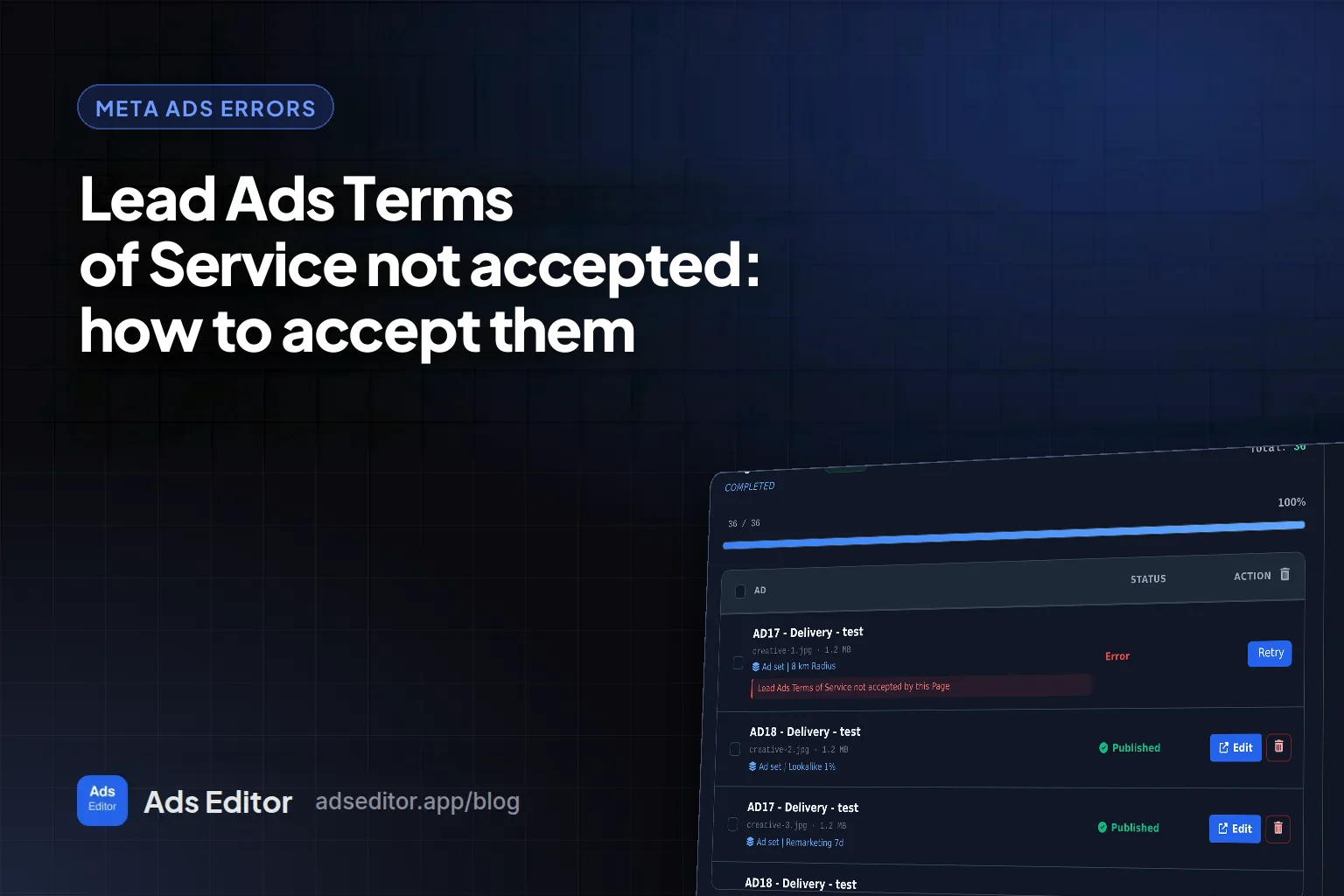
The message tells you that you cannot run lead ads until your Facebook Page accepts Facebook's Lead Generation Terms of Service. The code is (#1815089) in every language. In a Portuguese account it reads "Os termos de serviço não foram aceitos: você não pode veicular anúncios de cadastros até sua Página do Facebook aceitar os termos de serviço de geração de cadastros do Facebook. (#1815089)" It shows up when you publish an instant form ad (Lead Ads) with a Page that never accepted the terms.
The part that confuses people: acceptance belongs to the Page, not to the ad account or your profile. Meta's own API stores, on each Page, whether the terms were accepted, when, and by whom. An agency with 15 clients needs 15 acceptances, one per Page.
How to accept the Lead Ads Terms of Service step by step
- Find out which Page the ad uses. It is the Page of the ad set and the ad that failed. Note its ID.
- Open the acceptance link. The address is
https://www.facebook.com/ads/leadgen/tos. With?page_id=and the Page ID at the end, it opens on the right Page. - Log in with a profile that manages the Page. If the screen does not offer the option to accept, ask whoever has full control of the Page to accept.
- Pick the Page, read and accept the terms. If a list of Pages appears, make sure it is the same one used in the ad.
- Publish again. In Ads Manager, publish the ad. In Ads Editor, click Retry on the ad row.
Agency without admin access to the client's Page
Send the client the link with their Page ID already in it (https://www.facebook.com/ads/leadgen/tos/?page_id= followed by the number). They open it, accept and tell you. It is one acceptance per Page, done once.
Why does the error show up even after accepting?
| Situation | Why it happens | What to do |
|---|---|---|
| You accepted on one Page and the ad uses another | Acceptance only applies to the Page where it was made | Check the ad's Page ID and accept on that Page |
| The campaign was copied to another client's account | The copy uses the new client's Page, which never accepted | Accept on the new client's Page |
| Leads through chat (messaging destination with a leads goal) | This format also requires the lead terms on the Page | Accept the terms on the ad set's Page or keep the conversations goal |
What Ads Editor does with this error
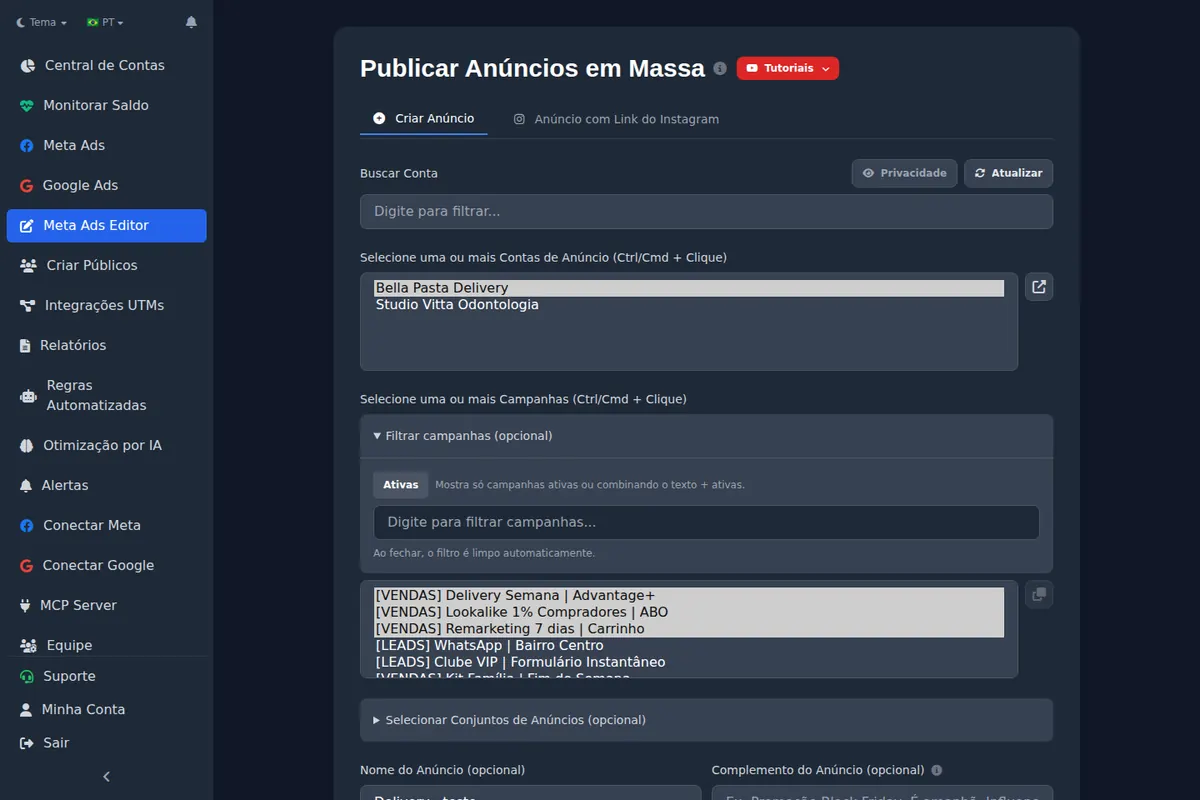
Ads Editor does not accept the terms on behalf of the Page: only the Page can do that, on Meta. What it does is make the error actionable. In the Meta Ads Editor upload panel, the rejection comes with the acceptance link and the Page ID at the end. When the Page cannot be determined, the message points you to accept in Ads Manager for that Page.
- When creating a form: if the Page has not accepted, Ads Editor returns the reason and the acceptance link instead of Meta's raw message.
- When duplicating with a leads-through-messaging goal: Ads Editor checks whether the destination Page accepted the terms and warns you if it did not.
- After accepting: click Retry on the row or Reprocess all errors. Ads that already went live are not duplicated.
Forms, questions and privacy policy, from zero to the first lead, are in Lead Ads: instant forms in Meta Ads. Other rejection codes, such as #1487891 (creative incompatible with the objective), are in Meta Ads error codes.
Frequently asked questions
Where do I accept Meta's Lead Ads Terms of Service?
At facebook.com/ads/leadgen/tos, logged in with a profile that manages the Page. Adding ?page_id= and the Page ID at the end opens the link on the right Page.
Do I have to accept the terms for every ad account?
No. Acceptance is per Page, not per ad account. Each Page that will run lead ads needs to accept once.
I accepted the terms and the error is still there. Why?
Check that the ad uses the same Page where you accepted. In a campaign copied to another client, the Page is different and needs its own acceptance.
Does Ads Editor accept the terms for me?
No. The Page accepts the terms on Meta. Ads Editor shows the acceptance link with the Page ID in the error and lets you retry the ad afterwards.
Glossary
- Lead ad
- An ad that opens an instant form inside Facebook or Instagram, without sending people to a website.
- Lead Ads Terms of Service
- Meta's terms for lead generation, accepted once per Page before its first form ad.
- Page ID
- The number that identifies a Facebook Page. It goes at the end of the acceptance link, after ?page_id=.
References
- Page reference, Graph API (Meta for Developers), checked November 23, 2026. Supports: The leadgen_tos_accepted, leadgen_tos_acceptance_time and leadgen_tos_accepting_user fields show, per Page, whether the Lead Ads terms were accepted, when and by whom.
- Ads Editor Help Center: error when uploading ads. Supports: Reading the error in the upload panel, and Retry or Reprocess all errors without duplicating ads that already went live.
The claim supported by each source is shown above.
About the author
Matheus Mello, founder of Ads Editor and owner of YEP Agência. Runs client ad accounts at YEP Agência and built Ads Editor so his own agency could stop publishing ads one at a time. Usage numbers quoted on the blog come from the product activity log. Instagram: @theusm