Error #1815199: "Ad account has no access to this Instagram account"
By Matheus Mello, founder of Ads Editor and owner of YEP Agência · Published · 6 min read
Error #1815199 shows up when the ad uses an Instagram account as its identity and the ad account has no permission to advertise with it. The fix lives in the business portfolio, and it is quick once you know which of the three pieces is disconnected: the portfolio, the ad account or the Instagram account.
Try bulk publishingQuick answer
Error #1815199 means the ad account has no permission to advertise with that Instagram account. In the settings of the business portfolio that owns the Instagram account, open Instagram accounts, select the profile and assign the ad account. Without portfolio access, publish with the Facebook Page as the Instagram identity.
Summary
- The full message is "Ad account has no access to Instagram account: Ad account has no access to this Instagram account. Please use authorized Instagram account or assign ad account to this Instagram account first. (#1815199)"
- The fix is assigning the ad account to the Instagram account in the business portfolio, which requires an admin role.
- Meta does not let you assign one business's ad account to another business's Instagram account: it has to be shared first.
- It often appears after a cross-account copy, when the ad keeps the source account's Instagram account.
- In bulk uploads, Ads Editor retries on its own without the Instagram account and with the Page as the identity.
In this article · 6 sections
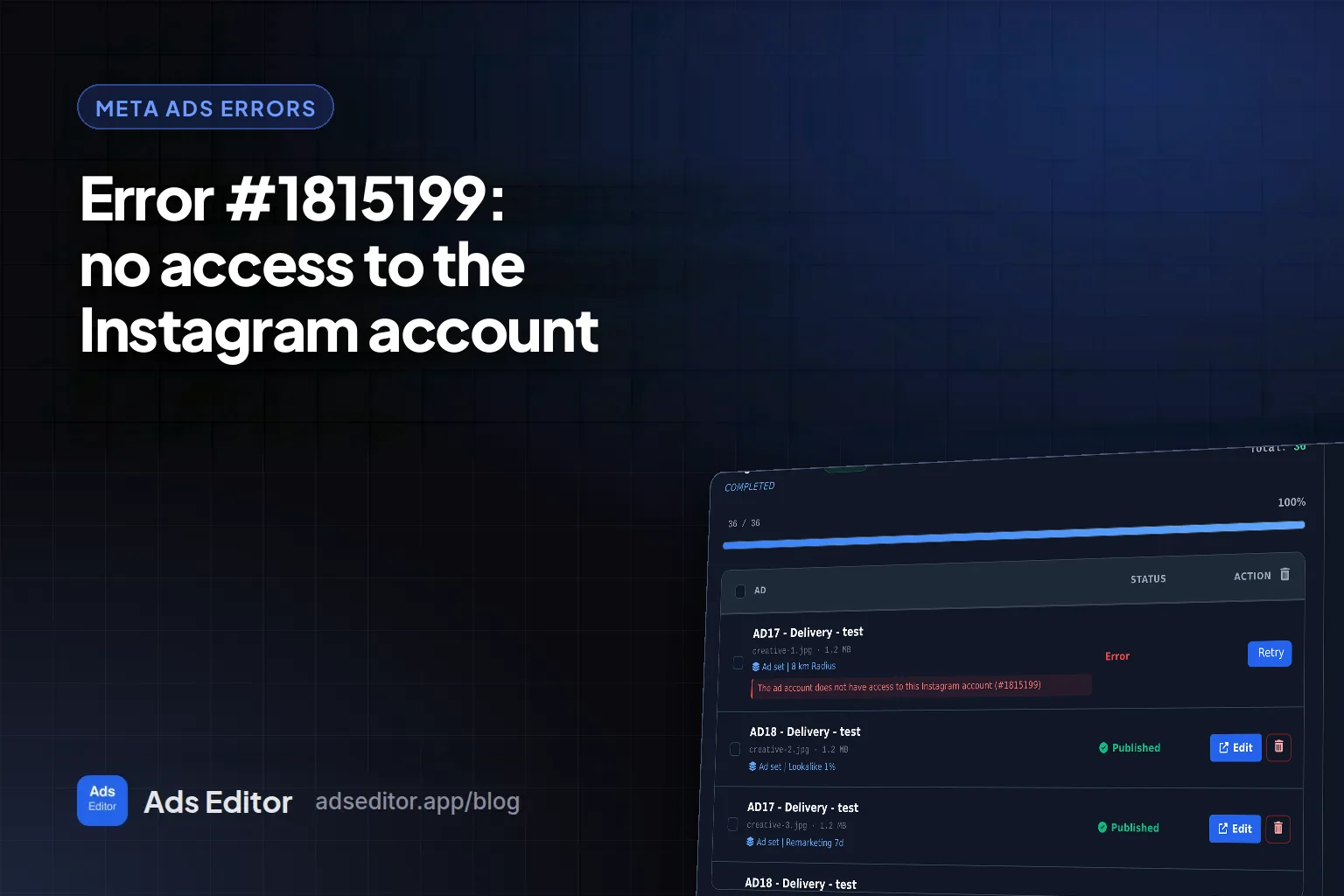
Error #1815199: the full message
In an English account, Meta shows: "Ad account has no access to Instagram account: Ad account has no access to this Instagram account. Please use authorized Instagram account or assign ad account to this Instagram account first. (#1815199)". Some tools show a variant that starts with "The ad account does not have access to this Instagram account".
In a Portuguese account: "A conta de anúncios não tem acesso a esta conta do Instagram. Use uma conta do Instagram autorizada ou atribua uma conta de anúncios a esta conta do Instagram primeiro. (#1815199)". The code is the same in both languages.
The three pieces that must be connected
The error goes away when three pieces can see each other. If any one of them is off, Meta rejects the ad:
| Piece | What has to be right | Sign it is the cause |
|---|---|---|
| Business portfolio (formerly Business Manager) | It owns the Instagram account, or received it as a partner, and you are an admin there | You cannot see the option to assign assets |
| Ad account | It is in the same portfolio as the Instagram account, or shared with it | The ad account is not in the list to assign |
| Instagram account | The ad account is assigned to it | The profile is in the portfolio, but the ad account is not checked |
Why does error #1815199 happen?
- Instagram account in the portfolio, ad account not assigned. The most common case: the profile was added, but nobody checked the ad account on it.
- Different businesses. The Instagram account belongs to the client and the ad account to the agency (or the other way around). Meta does not allow assigning one business's ad account to another business's Instagram account, even if you are an admin of both.
- Ad copied from another account. The copy kept the source account's Instagram account, which the new ad account cannot use.
How to fix error #1815199 in the business portfolio
- Open the settings of the business portfolio that owns the Instagram account.
- Under Accounts, open Instagram accounts and select the profile used in the ad. Menu names change often.
- Use the option to assign or connect assets and check the ad account that will run the ads. Save. Assigning requires an admin role in the portfolio.
- If the ad account belongs to another business, share it with the business that owns the Instagram account first (or receive the Instagram account as a partner). Without that, the assignment does not show up.
- Publish the failed ad again.
No access to the client's portfolio?
Publish with the Facebook Page as the Instagram identity, without choosing a separate Instagram account. The ad runs on Instagram on behalf of the Page. It keeps the campaign moving while the client makes the assignment.
What Ads Editor does when Meta returns #1815199
In a bulk upload, the Ads Editor queue does not stop at the first #1815199. It retries on its own in two ways, in the same order Meta Ads Manager uses:
- Without the Instagram account: Meta uses the Instagram account connected to the Page.
- With the Page as the Instagram identity: for when the Page has no real Instagram account connected.
If it still fails, access has to be granted on Meta. Ads Editor does not assign the Instagram account for you: that only happens in the business portfolio. After assigning, open Connect Meta, click Re-sync accounts to re-authenticate and refresh the list, then use Retry on the ad row (or Reprocess all errors). Ads that already went live are not duplicated.
What goes wrong after you assign it?
| Symptom | Likely cause | What to do |
|---|---|---|
| The ad account does not show up to assign | It belongs to another business and was not shared | Share the ad account with the business that owns the Instagram account, or request partner access |
| Assigned, but the tool still shows the error | The Meta connection still has the old permissions | Reconnect the profile (in Ads Editor, Re-sync accounts under Connect Meta) and retry |
| The error only hits copied ads | The copy kept the source account's Instagram account | Pick the destination account's Instagram account when you duplicate |
| You do not have the Advertiser role on the Page | Missing permission on the ad set's Page | Ask the Page owner for the role and retry |
- When you copy to another client's account, choose the destination's Page and Instagram account in the copy itself: see how to copy a Facebook campaign to another ad account.
- To give your team access without sharing passwords, see how to give access to a Facebook ad account.
- The other rejection codes are in Meta Ads error codes.
Frequently asked questions
How do I fix error #1815199 in Meta Ads?
Assign the ad account to the Instagram account in the settings of the business portfolio that owns it. Without portfolio access, publish with the Page as the Instagram identity.
Can I assign my agency's ad account to a client's Instagram account?
Only after the ad account is shared with the business that owns the Instagram account, or the Instagram account is shared with the agency as a partner. Meta does not assign assets across businesses directly.
Why does the error appear after duplicating a campaign?
Because the copy kept the source account's Instagram account. In the destination account, pick the Instagram account assigned to it, or use the Page as the identity.
Does Ads Editor grant Instagram access for me?
No. The assignment happens in Meta's business portfolio. Ads Editor tries to publish without the Instagram account and with the Page as the identity; if it still fails, it shows the error so you can fix it on Meta and retry.
Glossary
- Business portfolio
- Meta's current name for Business Manager, where a company's Pages, Instagram accounts and ad accounts live.
- Assign an asset
- Give an ad account permission to advertise with an Instagram account or a Page.
- Ad identity
- The Facebook Page and Instagram account shown as the authors of the ad.
References
- Set Up Instagram Accounts On Business Manager (Meta for Developers), checked November 23, 2026. Supports: Assigning an ad account to an Instagram account, the admin role requirement, and the restriction on assigning one business's ad account to another business's Instagram account.
- Marketing API error codes (Meta for Developers), checked October 31, 2026. Supports: 1815199 described as an ad account without access to the Instagram account.
- Failed to copy entity: ad account does not have access to Instagram account (Birch Help Center). Supports: The English wording Meta returns: The ad account does not have access to this Instagram account. Please use an authorized Instagram account or assign an ad account to this Instagram account first.
The claim supported by each source is shown above.
About the author
Matheus Mello, founder of Ads Editor and owner of YEP Agência. Runs client ad accounts at YEP Agência and built Ads Editor so his own agency could stop publishing ads one at a time. Usage numbers quoted on the blog come from the product activity log. Instagram: @theusm